Passkeys vs Passwords: One of Them Can Be Phished. The Other Can’t.
Every few years, the security industry announces the death of the password. Every few years, you type one in anyway. So when companies started saying “passkeys” in 2023, it was fair to roll your eyes.
But this time the numbers are moving. According to the FIDO Alliance’s Passkey Index, sign-ins with passkeys succeeded 93% of the time, compared with 63% for other methods, and took an average of 8.5 seconds instead of 31.2. Those figures come from nine member organizations, so treat them as encouraging rather than universal, but they point the same way as everything else about passkeys: faster, and harder to steal.
This guide explains passkeys vs passwords in plain language: what a passkey actually is, why it beats a password against the attacks that really happen, where it still falls short, and a practical order for switching. If you’ve read our piece on why the password rules you grew up with were declared wrong, think of this as the next step: not better passwords, but fewer of them.
What Is a Passkey?
A passkey is a replacement for a password built on public-key cryptography. When you create one for a site, your device generates a pair of keys. The public key goes to the website. The private key stays on your device (or in your password manager or cloud keychain) and never leaves it.
To sign in, the site sends your device a challenge. Your device signs it with the private key after you unlock it with a fingerprint, face scan or device PIN. The site checks the signature against the public key and lets you in. There is no secret typed by you, and no secret stored on the site’s servers that could be stolen and reused.
Passkeys are built on the FIDO2 and WebAuthn standards, which is why they work across Apple, Google, Microsoft and a growing list of websites and apps. The FIDO Alliance explains the standard and keeps a list of services that support it.
How Passwords Fail (and Why It’s Not Your Fault)
A password is a shared secret: you know it, and the website knows it (or a scrambled version of it). That design creates three predictable problems.
Reuse. Nobody can remember hundreds of unique, long passwords, so people reuse them. When one site is breached, attackers try the same email and password everywhere else, an attack called credential stuffing.
Phishing. A fake login page can collect a password and hand it to an attacker in real time. As we covered in why “look for typos” is now dangerous phishing advice, AI-written lures are now clean, convincing and personalised. A password cannot tell the difference between the real site and a good copy; you can.
Server-side theft. Even a well-run company can be breached. Strong hashing slows attackers, but a stolen password database is still a prize.
Add friction on top: forgotten passwords, reset emails, lockouts. The FIDO figure for help-desk impact is striking: participating organizations reported login-related help desk incidents falling 81% after adopting passkeys.
Why Passkeys Resist Phishing
The key difference is that a passkey is bound to the real website’s domain. Your device will only use the passkey for the site it was created for. If you land on a lookalike domain, the passkey simply isn’t offered, and there’s nothing for you to type or be tricked into handing over.
That removes the human from the weakest step. You can’t be talked into reading out a code, because there is no code. You can’t reuse a passkey across sites, because each is unique. And because the private key never travels, a breach of the website leaks only public keys, which are useless to an attacker.
Passkeys vs Passwords: Side by Side
| Passwords | Passkeys | |
|---|---|---|
| What you do | Type a secret you know | Unlock with biometrics or PIN |
| Phishable? | Yes | Resistant by design |
| Reusable across sites? | Often, by habit | No, unique per site |
| Stolen in a site breach? | Yes (or its hash) | Only the public key is stored |
| Needs memorising? | Yes, or a manager | No |
| Works on every site? | Yes | Growing, not universal |
Where Passkeys Still Fall Short
Honest coverage matters here, because passkeys are not magic.
Adoption is incomplete. The same FIDO Index found that 36% of accounts in the study had a passkey enrolled and 26% of sign-ins used one. That’s real progress and also a reminder that most accounts still rely on passwords. You’ll be running both for a while.
Recovery is the new weak point. If an attacker can take over your Apple, Google or password-manager account, they may reach your passkeys. The strength of your passkeys is now tied to the strength of the account that syncs them. Protect that account with its own strong login and, ideally, a hardware security key.
Ecosystem friction. Passkeys synced inside one vendor’s ecosystem don’t always move easily to another. Standards for exporting and importing are improving, but check your choice before you commit hundreds of accounts to it.
Shared and older devices. A passkey on your phone is easy. A passkey on a borrowed computer, or a site that only supports passwords, is less so. Most services let you sign in on a new device by scanning a QR code with your phone.
None of these is a reason to wait. They’re reasons to set it up thoughtfully.
How to Switch: A Practical Order
You don’t have to convert everything. Start where the damage from a takeover would be greatest.
- Email first. Your email account resets every other account. Add a passkey to Google, Microsoft or Apple today.
- Financial and shopping accounts. Banks, PayPal, Amazon and similar services that offer passkeys.
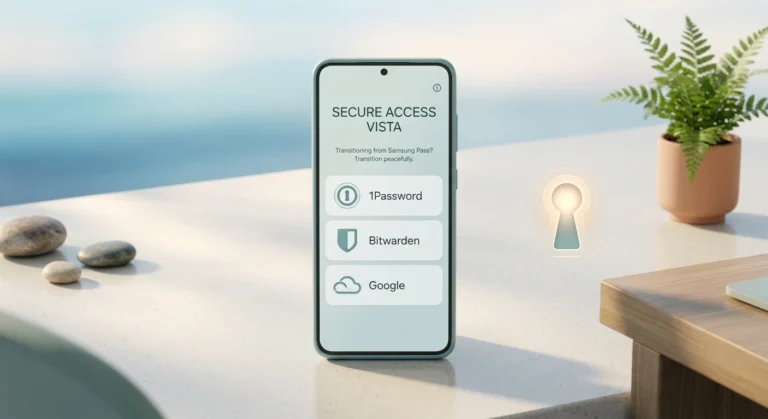
- Your password manager. Many managers, such as Bitwarden and 1Password, can store and sync passkeys across platforms, which solves much of the ecosystem problem.
- Social and work accounts. Do these once the first three are done.
For each one, open account security settings, look for “passkey” or “sign in without a password,” and follow the prompts. Keep the password in place as a fallback until you’ve confirmed the passkey works on at least two devices.
Two habits make the whole thing safer. First, set a strong screen lock on your phone, because it now guards your keys. Second, turn on a recovery option that doesn’t depend on a single device, such as a second passkey or printed recovery codes stored somewhere safe.
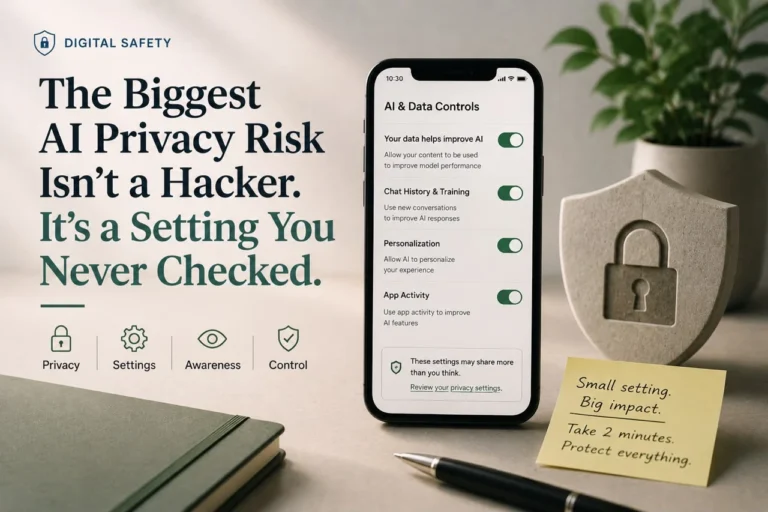
If you’re also thinking about privacy settings you never checked, this is the natural time to review account security and recovery options together.
What Signing In With a Passkey Actually Feels Like
The first time is the only awkward one. You visit a site, choose “create a passkey” in your security settings, and approve it with your fingerprint or face. From then on, the login page offers a passkey prompt; you glance at your phone or touch the sensor, and you’re in. No code arrives by text, no password field needs filling, and no manager pop-up has to guess which field is which.
On a new laptop, the flow adds one step: the site shows a QR code, you scan it with your phone, approve with biometrics, and the laptop is signed in. Your phone proves you’re present over a short-range connection, which is another reason a faraway attacker can’t replay it.
Passkeys, Two-Factor Codes and Security Keys: How They Relate
People often lump these together, so a quick map helps. Two-factor authentication adds a second check on top of a password, usually a one-time code. It helps, but codes can still be phished in real time. Hardware security keys are physical devices that use the same cryptography as passkeys and are the strongest option for high-risk accounts. Passkeys bring most of that protection to the phone or computer you already own, which is why they’re the practical default for most people.
If you manage money for others, run a business or hold a high-profile account, consider adding a hardware key as a recovery path for your most important login. For everyone else, passkeys plus a protected cloud account is a large upgrade over the password-plus-SMS setup most of us have today.
Should You Delete Your Passwords?
Not yet, and not all of them. A sensible approach is passkeys where offered, a password manager for everything else. For accounts without passkey support, use long, unique passwords generated by your manager, and add an authenticator app or security key for multi-factor protection. Over time, as more sites adopt passkeys, the password list shrinks without you doing anything dramatic.
If you use a Galaxy phone, our upcoming guide to the best password manager for Samsung phones covers which options handle passkeys well.
Frequently Asked Questions
Are passkeys really safer than passwords?
For the attacks that cause most account takeovers, yes. A passkey is unique to each site, bound to the real domain and never sent over the network as a secret, so phishing and credential stuffing largely stop working. The remaining risk shifts to the account or device that stores your passkeys, so secure that well.
What happens if I lose my phone with my passkeys on it?
Most passkeys sync through your Apple, Google or password-manager account, so signing in on a new device restores them. That’s why recovery matters: keep a backup method such as a second passkey, recovery codes or a security key, and make sure your cloud account itself is well protected.
Can a website steal my passkey?
No. The site only ever holds your public key, which can’t be used to sign in. Your private key stays on your device or in your credential manager. A breach of the site exposes nothing an attacker can replay elsewhere.
Do I still need two-factor authentication with passkeys?
A passkey already combines something you have (your device) with something you are or know (biometrics or PIN), so many services treat it as complete multi-factor sign-in. For accounts that still use passwords, keep two-factor authentication on, preferably through an authenticator app or security key rather than SMS.
Can I use the same passkey on multiple devices?
Synced passkeys are available on every device signed in to the same ecosystem or password manager. You can also sign in on a device that doesn’t have your passkey by scanning a QR code with your phone, which approves the login without copying the key.
Do passkeys work on every website?
Not yet. Major platforms and many large services support them, but plenty of sites still require a password. Use passkeys wherever they’re offered and keep a password manager for the rest.
Conclusion
The honest summary of passkeys vs passwords is that passkeys fix the part of security humans are worst at. They remove memorisation, reuse and most phishing in one move, and the early data from FIDO members suggests they’re also faster and easier to support. Their weak spot is recovery, which is a solvable problem if you plan for it.
You don’t need a weekend project. Add a passkey to your email today, your bank and main shopping accounts this week, and let a password manager handle the long tail. Within a month, most of the logins that could really hurt you will no longer be phishable.