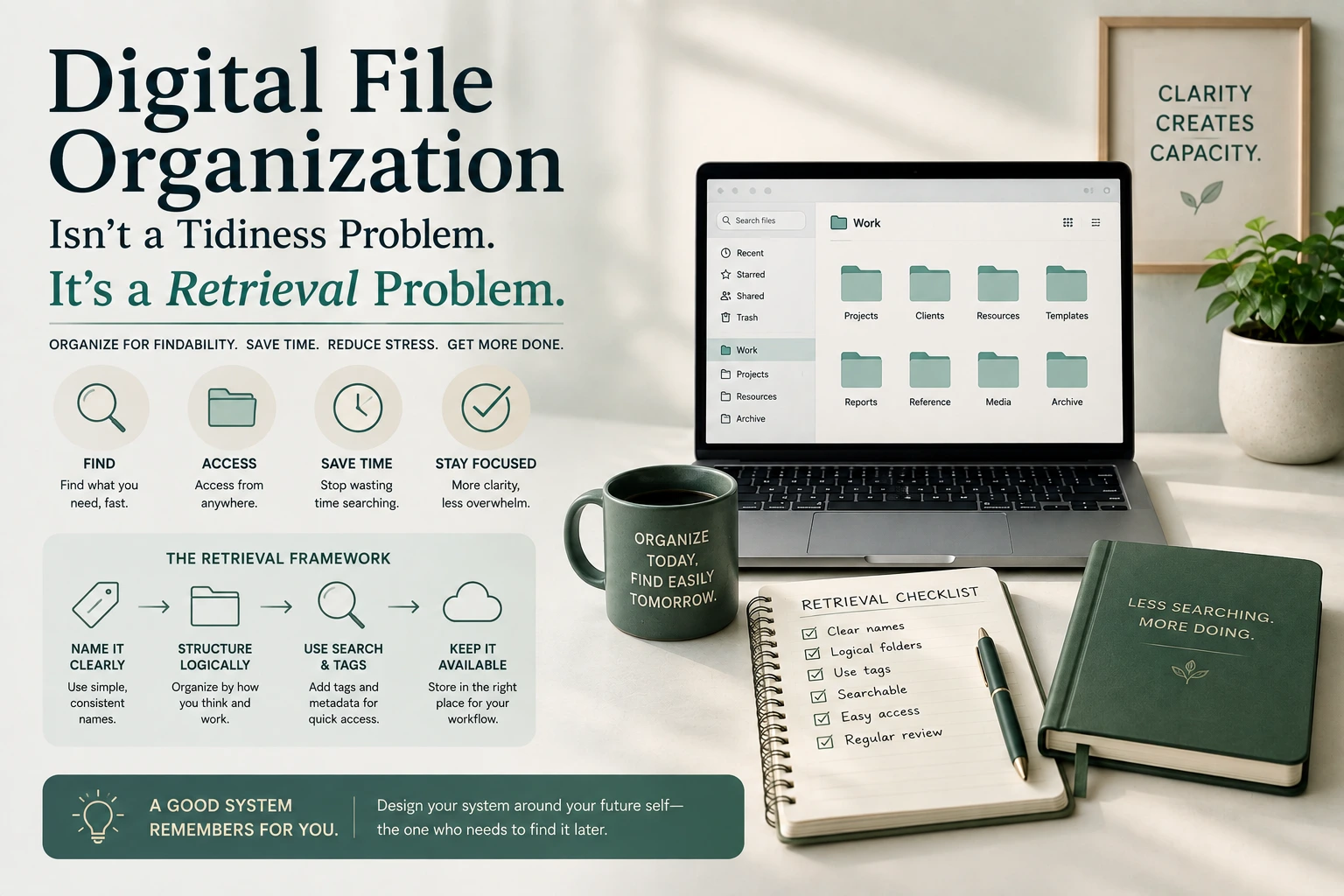
Digital File Organization Isn’t a Tidiness Problem. It’s a Retrieval Problem.
Nobody actually cares whether their files look neat. What people actually care about is being able to find the contract, the photo, the spreadsheet, or the draft they need in under thirty seconds, without opening six folders and giving up halfway through. Treating file organization as an aesthetic exercise — pretty folder icons, color coding, a satisfying sense of order — misses the entire point. The only real measure of a file system is how fast it gets you back to something you saved months or years ago, and most systems fail that test badly, however tidy they look sitting still.
The Cost Nobody Adds Up
It’s worth knowing how much this actually costs, because the number is larger than most people assume. McKinsey Global Institute’s research on workplace productivity found that the average interaction worker spends nearly 20% of the workweek searching for internal information or tracking down colleagues who might have it. That’s close to a full day out of every five spent not doing the work itself, but hunting for the material needed to do it — and a meaningful share of that hunting is simply the result of files that were never named or stored in a way that made them findable again later.
This reframes what a “good enough” file system actually needs to deliver. It’s not about maximum organization for its own sake. It’s about closing that specific gap between when you save something and when you can find it again, because every minute spent searching is a minute the McKinsey research shows is genuinely, measurably wasted.
What the Professionals Who Manage Records for a Living Actually Recommend
There’s an entire government agency whose job is figuring out how to keep records findable for decades, and its guidance is more useful for an ordinary digital life than most personal productivity advice. The National Archives and Records Administration’s official file naming guidance, published through its records management blog, recommends specific, consistent conventions: using dashes or underscores instead of spaces, since some systems handle spaces poorly across platforms and internet transfers, avoiding punctuation and special characters that can conflict with how operating systems interpret file paths, using leading zeros in any sequential numbering so files sort in the correct numerical order, and avoiding overly long or overly complex names that become error-prone to type and read.
That guidance was written for federal records that need to remain identifiable and transferable for decades, potentially across systems and staff that don’t yet exist. It turns out that’s exactly the same problem an ordinary person faces with their own files, just at a smaller scale — a document needs to make sense not just to you today, but to you eighteen months from now, searching through hundreds of similarly named files with no memory of the specific context you had when you saved it.
Step One: Pick One Naming Convention and Never Deviate
The single highest-leverage habit in file organization isn’t a clever folder structure — it’s a consistent naming pattern applied to absolutely everything, without exception. A reliable, NARA-aligned pattern looks something like this: date in YYYY-MM-DD format, followed by a short descriptive term, followed by a version or status if relevant — 2026-08-22_client-proposal_draft.docx. The date-first format matters more than it seems, because it means files sort chronologically by default in almost any file browser, without you needing to manually reorder anything.
The “never deviate” part matters just as much as the pattern itself. A naming convention that’s inconsistently applied provides almost none of the retrieval benefit of a consistent one, because you can no longer predict what a file from six months ago is actually called. Pick a pattern simple enough that you’ll actually stick to it under time pressure, and apply it to every single file, not just the ones that felt important enough in the moment.
Step Two: Keep Your Folder Structure Shallow
Deep, nested folders feel organized while you’re building them and become genuinely unusable the moment you need to find something quickly. Every additional folder level is another decision point, another place a file could plausibly live, and another click before you actually see what’s inside. A structure with two or three levels — a top-level category, a project or year, and the files themselves — handles the overwhelming majority of personal and small-business file organization needs without forcing you to remember an elaborate internal logic six months later.
If you find yourself creating a fourth or fifth nested level to accommodate a growing category, that’s usually a sign the category needs to become its own top-level folder rather than a deeper branch of an existing one.
Step Three: Separate Active From Archived, Aggressively
Most cluttered file systems aren’t cluttered with too many files — they’re cluttered with too many files competing for attention in the same space, regardless of whether they’re actually still relevant. A completed project from two years ago and this week’s active draft shouldn’t live in visually equivalent folders at the same level, because every time you browse for something current, you’re wading through material that’s functionally dead weight.
A simple archive folder, moved into once a project or period genuinely closes, keeps your active working space small enough to actually scan visually rather than needing a search function for absolutely everything. This doesn’t require deleting anything — archived material still exists, still follows the same naming convention, and is still searchable. It’s just physically separated from the small set of things you’re actually working with day to day.
Step Four: Make the Date Format Do Double Duty
Beyond just sorting chronologically, a consistent date format at the start of a file name effectively becomes a searchable index on its own. Need everything from a particular month or quarter? A YYYY-MM prefix means a simple search or sort surfaces exactly that range, without needing any additional tagging system layered on top. This is a small habit that pays a disproportionate amount of retrieval value later, precisely because it requires zero extra effort once it’s built into your naming pattern from the start.
Step Five: Build a Recurring Cleanup Pass, Not a One-Time Purge
A single, heroic weekend spent reorganizing every file you own feels satisfying and rarely holds up, because the system that follows a one-time purge is identical to the system that created the mess in the first place — nothing structural actually changed about how new files get created and named going forward. A short, recurring pass — monthly or quarterly — where you archive anything genuinely inactive and spot-check that recent files followed the naming convention does far more for long-term order than any single deep clean, because it catches drift early, before it compounds into another chaotic pile.
Where AI Tools Actually Fit Into This
AI-powered search and tagging tools can genuinely help surface a file even when the naming and folder structure isn’t perfect, which is a real convenience. Where it gets riskier is uploading sensitive documents — financial records, client contracts, anything confidential — into a third-party AI tool purely to get better search or auto-tagging, since that content may not stay as contained as a well-organized local folder would. Our guide to what data you should never give AI covers exactly which categories of file content deserve that extra caution before they go anywhere near a cloud-based AI tool.
It’s also worth treating AI file organization as an assist rather than a replacement for the naming discipline above, since a tool that auto-organizes today doesn’t guarantee it will be searchable the same way years from now if you ever switch platforms — a well-named file, by contrast, remains findable on its own regardless of what tool you’re using to browse it. If information sprawl is a broader problem for you beyond just files specifically, our piece on managing information overload covers the same underlying discipline — deliberate triage beats letting things accumulate — applied to inputs generally rather than just saved documents. And since a cluttered file system is often a symptom of a broader system that never got built, our guide to constructing a personal productivity system and our comparison of time blocking against plain to-do lists both pair naturally with getting your files under the same kind of deliberate structure.
A Concrete Example Pulling It All Together
Picture a freelancer’s client folder rebuilt around these steps. The top level is simply Clients, with one shallow subfolder per client name — no nested folders for “2024,” “2025,” “invoices,” “contracts,” and “drafts” branching endlessly underneath each one. Inside each client folder, every file follows the same pattern: 2026-08-22_acme-corp_invoice_final.pdf, 2026-07-14_acme-corp_contract_signed.pdf. The date-first format means a quick sort by name doubles as a sort by time, and a search for “acme-corp_invoice” instantly surfaces every invoice ever sent to that client, regardless of which month or year it was created.
Once a client relationship ends, the whole folder moves, unchanged, into an Archive folder one level up — nothing gets renamed or reorganized in the process, since the naming convention already made it self-explanatory. The active Clients folder stays small and current, holding only relationships still genuinely in progress, while years of completed work remain fully intact and searchable, just physically out of the way of daily browsing. Nothing about this setup requires special software or an elaborate system to maintain. It requires exactly one habit, applied consistently: name it the same way, every time, without exception.
A Quick Check for Whether It’s Actually Working
The real test isn’t whether your folders look clean right now — it’s whether you can find a specific file from four months ago in under thirty seconds without using a global search as a crutch for a system that isn’t actually working. If you’re consistently falling back on search to compensate for names and folders that don’t make sense on their own, the underlying structure still has a gap worth fixing, even if the surface looks organized today.
Frequently Asked Question
How much time do people actually waste searching for files?
McKinsey Global Institute’s research found that the average interaction worker spends nearly 20% of the workweek searching for internal information or tracking down colleagues who might have it, close to a full day out of every five-day workweek.
What file naming convention do professionals recommend?
The National Archives and Records Administration recommends using dashes or underscores instead of spaces, avoiding punctuation and special characters, using leading zeros for sequential numbering so files sort correctly, and avoiding overly long or complex names. A date-first format, such as YYYY-MM-DD, also allows files to sort chronologically by default.
Should my folder structure be deep or shallow?
Shallow. A structure with two or three levels, such as a top-level category, a project or year, and the files themselves, handles most personal and small-business needs without forcing you to remember an elaborate internal logic later. Needing a fourth or fifth nested level usually signals that category should become its own top-level folder instead.
Is it better to do one big file cleanup or ongoing maintenance?
Ongoing maintenance tends to hold up much better. A one-time purge doesn’t change how new files get created and named going forward, so the same clutter tends to reappear. A short, recurring pass, done monthly or quarterly, catches naming drift and inactive files early, before they compound into another large mess.
Is it safe to upload sensitive files to an AI tool for organizing or tagging?
Not without caution. Financial records, client contracts, and other confidential documents deserve extra scrutiny before being uploaded to a third-party AI tool purely for better search or auto-tagging, since that content may not remain as contained as a well-organized local folder would be.
What’s the real test of whether a file system is working?
Whether you can find a specific file from several months ago in under thirty seconds without relying on a global search to compensate for a naming and folder structure that doesn’t make sense on its own. A system that looks tidy but still requires heavy searching hasn’t actually solved the underlying retrieval problem.
The Conclusion
File organization only matters to the extent it gets you back to something you saved, quickly and predictably, months or years after you first created it — everything else is decoration. A consistent, government-grade naming convention and a shallow, actively maintained folder structure do more for that goal than any amount of one-time tidying ever will.
Pick a naming pattern you’ll actually stick to under pressure, keep active work separated from archived material, and build a short recurring pass into your routine rather than waiting for the clutter to become unbearable again. That combination is what turns a file system from something you dread searching into something that quietly works every time.