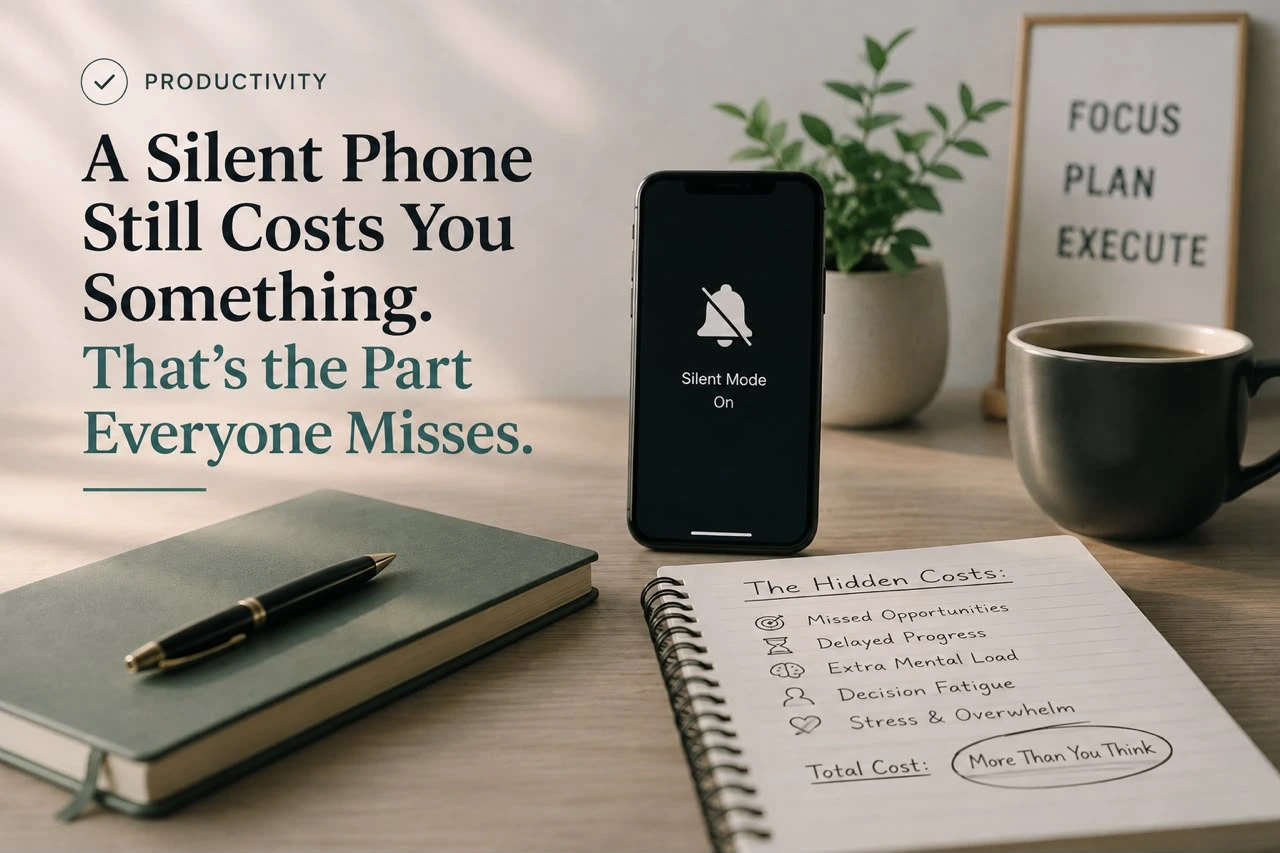
A Silent Phone Still Costs You Something. That’s the Part Everyone Misses.
Turn off the sound, disable vibration, flip it face down — most notification advice stops there, as if silence solves the problem – A Silent Phone. It doesn’t, and the reason why is stranger than it sounds. A phone doesn’t need to buzz, chime, or light up to pull on your attention. Its mere presence, sitting quietly on the desk, measurably reduces how much cognitive capacity you have available for whatever you’re actually trying to do. Managing notification overload isn’t just about muting alerts. It’s about understanding that some of the cost was never coming from the alerts in the first place.
The Research That Reframes the Whole Problem
Start with the finding that upends the usual advice. Researchers at the University of Texas at Austin’s McCombs School of Business ran experiments with nearly 800 participants and found that the mere presence of a person’s own smartphone reduces available cognitive capacity, even when the device is turned off and the person is successfully avoiding the temptation to check it — with the effect growing stronger as the phone becomes more visible and more pronounced among people who report higher smartphone dependence. The researchers described this as a “brain drain”: some portion of limited cognitive resources gets spent on the ongoing, mostly unconscious effort of not thinking about the phone, leaving less available for the actual task at hand.
That single finding changes what a real solution has to look like. Turning off notifications addresses the interruptions. It does nothing about the silent, ambient cost of a phone simply being within reach, which the research suggests is a separate, measurable drain of its own.
The second piece worth understanding is why notifications are designed the way they are in the first place, and this isn’t a hunch — it’s now formal public health guidance. A U.S. Surgeon General’s Advisory on social media and youth mental health, published through the National Library of Medicine’s official archive, specifically names push notifications, alongside autoplay and infinite scroll, as design features built to maximize engagement and encourage excessive use, describing them as capable of preying on developing attention systems. Notifications, in other words, generally aren’t designed around what’s genuinely useful to tell you right now. They’re designed to bring you back into an app as often as possible, and the two goals frequently point in opposite directions.
Step One: Do a Real Audit, App by App
Most people have never actually gone through their notification settings deliberately — the current state is just whatever each app defaulted to when it was installed, and most apps default toward sending far more than any reasonable person actually wants. Go through every app that can send a notification and make an active decision about each one: does this genuinely need to interrupt me the moment it happens, or can it wait for me to check it on my own terms? For the overwhelming majority of apps, the honest answer is the latter. Social platforms, shopping apps, games, and most productivity tools rarely have anything urgent enough to justify an interruption — they’re designed to feel urgent, which is different from actually being urgent.
Step Two: Separate “Reachable” From “Available”
Most phones let you configure exceptions — specific contacts who can break through a Do Not Disturb setting, for genuine emergencies. Set this up deliberately rather than leaving every notification channel open by default. A small, defined list of people who can actually reach you urgently, with everything else routed to wait until you check on your own schedule, preserves real reachability for what matters without keeping every channel permanently open. This is a meaningfully different posture than being reachable by everyone, all the time, by default — it’s being reachable by the people who genuinely need to reach you, on terms you set rather than terms an app’s engagement algorithm set.
Step Three: Put Real Distance Between You and the Phone, Not Just Silence
Given what the UT Austin research shows about mere presence — not notifications, just presence — this step matters more than muting alone ever could. During periods where focus actually matters, the phone needs to be somewhere genuinely out of easy reach, not simply face-down on the same desk. Another room, a bag, a drawer — anywhere that requires a deliberate action to retrieve it rather than a glance and a reach. The research specifically found that cognitive cost scaled with how visible and reachable the phone was, which means face-down-on-the-desk, while better than face-up, still isn’t the same as genuinely out of the room.
Step Four: Turn Off Badge Counts and Red Dots
The little red number sitting on an app icon does real, measurable work pulling attention even with sound and vibration completely disabled — it’s a visual signal specifically engineered to feel like an unfinished task demanding resolution, similar to the psychological pull of an open loop. Most phones allow badge counts to be disabled per app, independent of whether sound or banner notifications are on. Turning these off closes one more channel through which a phone can generate that low-grade, ambient pull on attention, even sitting completely silent on a desk across the room.
Step Five: Build Defined Windows Instead of Always-On
Rather than letting notifications determine when you engage with your phone, flip the relationship: decide in advance on a few specific windows during the day when you’ll deliberately check messages, social platforms, and anything non-urgent, and leave the phone alone the rest of the time. This converts a continuous, reactive relationship with the device into a bounded, intentional one — you’re still staying current on what matters, just on a schedule you set rather than one dictated by whichever app happened to notify you most recently.
Where AI Tools Actually Fit Into This
AI can genuinely help here in a specific, narrow way: using an assistant to triage a backlog of notifications during your scheduled checking windows — sorting what’s actually time-sensitive from what can wait — cuts down the raw volume you’re manually sifting through. Where it becomes counterproductive is adding yet another app with its own notification stream competing for the same limited attention this whole process is trying to protect. Our piece on the cognitive cost AI tools can quietly add to a knowledge worker’s day covers this tension in more depth — a tool meant to lighten the load can just as easily become one more source of it.
If notifications are a big part of why your focus keeps fragmenting during work, our piece on stopping context switching goes deeper into the mechanics of interruption recovery specifically, and our guide to building a deep-work routine covers exactly the kind of structural boundary — phone in another room, not just silenced — this article recommends for protecting focused sessions. And since notification overload is really one specific flavor of a broader information problem, our piece on managing information overload generally covers the same underlying discipline of deliberate triage, applied more broadly than just phone alerts.
Why “Just Have More Willpower” Was Never Realistic
It’s worth being direct about why this problem resists the usual advice to simply exercise more self-control. The UT Austin researchers found that the cognitive cost of a nearby phone showed up even among people who successfully resisted checking it throughout the entire experiment — willpower wasn’t the missing ingredient, because the drain happened regardless of whether anyone gave in to the urge. The very act of suppressing the impulse to check the phone was itself consuming the cognitive resources being measured. That’s a genuinely different mechanism than simple distraction, and it explains why notification settings alone, however thorough, can’t fully solve a problem that’s partly about the object’s presence rather than its behavior.
This also explains why the effect was strongest among people with higher self-reported smartphone dependence — the more central the device felt to daily functioning, the more mental effort was apparently required to not think about it, even when it sat there completely silent. For anyone who’s tried an aggressive notification cleanup and still felt an unexplained pull toward checking the phone, this research suggests the missing piece usually isn’t more discipline. It’s distance.
A Concrete Version of All Five Steps Together
Picture a workday built around this. Morning starts with a fifteen-minute pass through notification settings for any newly installed app, since defaults tend to creep back toward over-notifying over time. During the two main focus blocks of the day, the phone goes into a bag in another room, not just face-down on the desk — removing not just the interruption risk but the ambient cognitive drain the research specifically ties to visibility and reachability. Three defined windows, roughly two hours apart, are the only times messages and social apps get checked deliberately, with a short list of people configured to break through Do Not Disturb if something is genuinely urgent in between.
None of this requires giving up a smartphone or becoming unreachable in any meaningful sense. It requires treating the device the way the research suggests it actually behaves — not as a passive object that only costs something when it buzzes, but as something whose mere presence carries a real, measurable price, worth deliberately managing rather than assuming settings alone can fully offset.
A Quick Check for Whether It’s Actually Working
The real test isn’t how many notifications you’ve silenced — it’s whether you can sit down for a focused stretch without an unprompted, reflexive urge to check the phone even when nothing has actually gone off. If that urge is still strong even with notifications largely disabled, the phone’s mere presence is likely still doing the damage the UT Austin research describes, which means the fix isn’t more settings adjustments — it’s genuine physical distance during the times focus actually matters.
Frequently Asked Question
Does a silent phone still affect focus even without notifications going off?
Yes. Research from the University of Texas at Austin found that the mere presence of a person’s own smartphone reduces available cognitive capacity, even when it’s turned off and the person successfully avoids checking it, with the effect growing stronger the more visible and reachable the phone is.
Why are notifications designed to feel so urgent?
A U.S. Surgeon General’s Advisory on social media and youth mental health specifically identifies push notifications, alongside autoplay and infinite scroll, as design features built to maximize engagement and encourage excessive use, rather than to convey information that’s genuinely urgent to the user.
Is turning notifications to silent enough to reduce their impact?
Not entirely. While silencing sound and vibration removes the interruption itself, research shows the phone’s physical presence and visibility still measurably reduces cognitive capacity on its own. Genuine physical distance, such as placing the phone in another room, addresses this second effect in a way that muting alone does not.
Do badge counts and red dots affect attention even without sound?
Yes, badge counts create a visual signal that pulls attention similarly to an unfinished task, independent of whether sound or banner notifications are enabled. Most phones allow badge counts to be disabled per app, which removes one more channel of ambient pull even when the phone is completely silent.
How do I stay reachable for emergencies while still reducing notifications?
Most phones allow specific contacts to break through Do Not Disturb settings for genuine emergencies. Setting this up deliberately for a small list of people who truly need to reach you preserves real reachability without keeping every notification channel open by default.
Can AI tools help manage notification overload?
AI can help by triaging a backlog of notifications during scheduled checking windows, separating what’s genuinely time-sensitive from what can wait. It becomes counterproductive if it adds its own separate notification stream, since that simply competes for the same limited attention the process is trying to protect.
The Conclusion
Silencing notifications solves half the problem at best. Research shows a phone can quietly drain cognitive capacity just by being visible and reachable, whether or not it ever makes a sound — which means the real fix has to include distance, not just settings, and a Surgeon General’s advisory now formally recognizes that the alerts themselves were largely designed to maximize engagement rather than genuinely serve the person receiving them.
Audit what actually deserves to interrupt you, separate true reachability from default reachability, and put real physical distance between yourself and the device during the hours focus matters most. That combination addresses both halves of the problem the research identifies — the interruptions and the ambient cost of the phone just sitting there.